How to download Facebook photos and videos
Many people rely on Facebook to store photos, videos, and other information. However, this creates a worry that they won’t be able to get back their data should their account be hacked or Facebook goes out of business :). Facebook responded to this concern with an option to download “everything” you submitted. The limitation is photos and videos are not sent in their original full resolution so I wouldn’t rely on Facebook as primary storage. You could go to each photo or video and manually download but that can be time-consuming. Additionally, the download is actually a fully navigable website without distractions that shows some information you may not know Facebook has on you.
Quick Instructions
- Click
 in the upper right corner of Facebook then Settings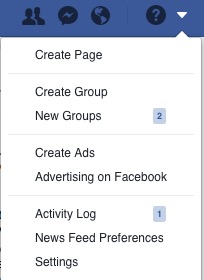
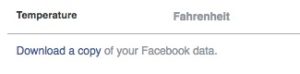
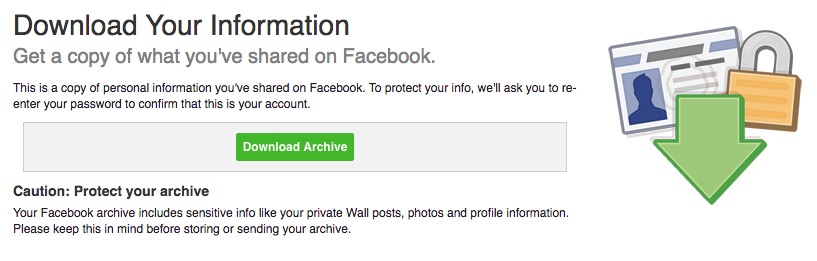
- Click Download a Copy of your Facebook Data
- You will be prompted for your Facebook password.
- After maybe an hour, Facebook will email you a link that will allow you to download a single Zip file with your data. This download will also require your Facebook password.
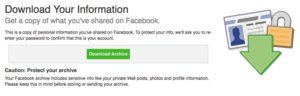
- Once downloaded, double-click on the downloaded zip file which is usually named Facebook-userid.zip. This will expand the file creating directories and populating the directories (like a sub-folder called Photos) with your data
- Double-click on Index.html. This will open your web browser and allow you to navigate what you downloaded.
- To take your pictures or videos to other services or folders, navigate to the folder using Windows Explorer/Mac Finder.
Results
After step 5 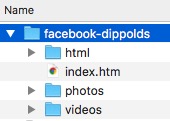 After step 6…some surprises looking at the ad info…. [caption id=”attachment_1078” align=”aligncenter” width=”938”]
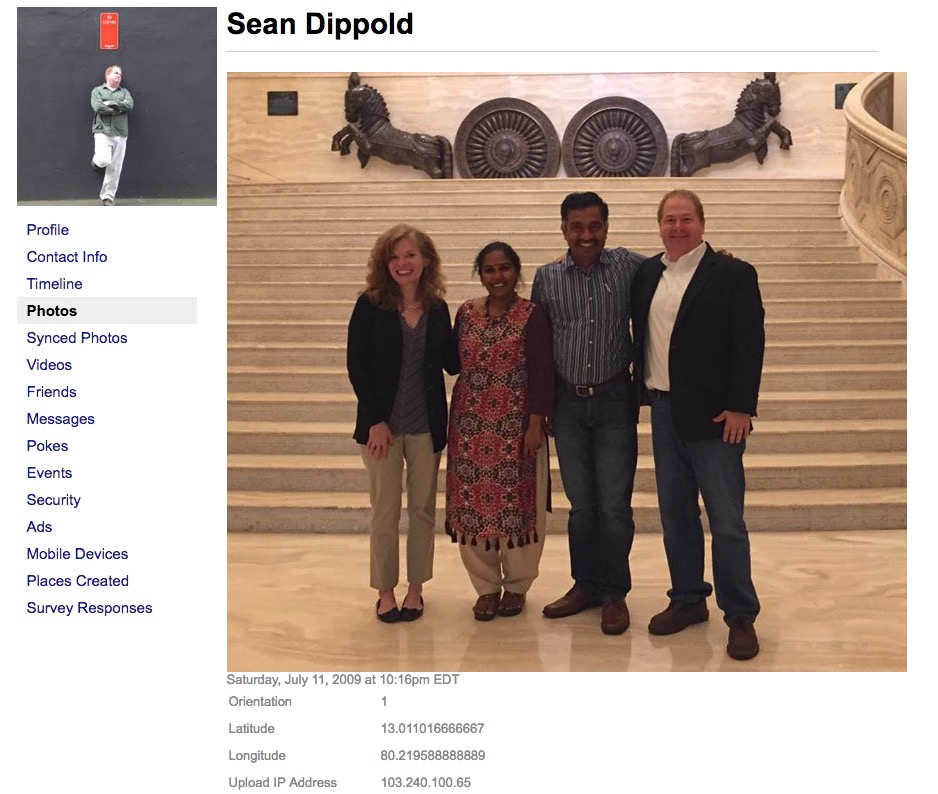 Not the full-resolution photo but possibly usable[/caption] [caption id=”attachment_1087” align=”aligncenter” width=”659”]
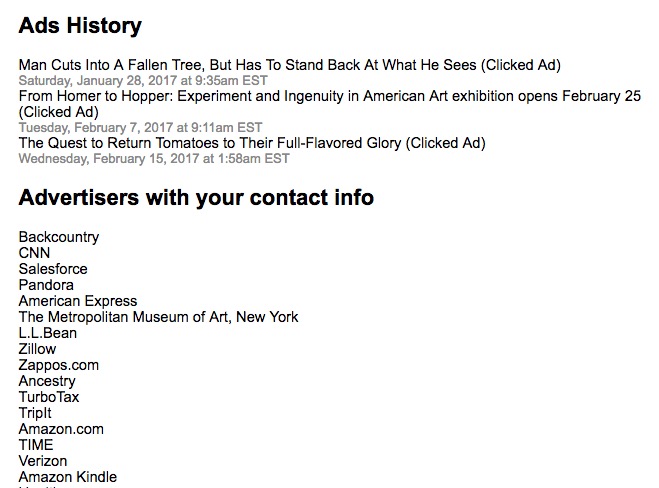 Wow - long list of companies with my contact info[/caption]